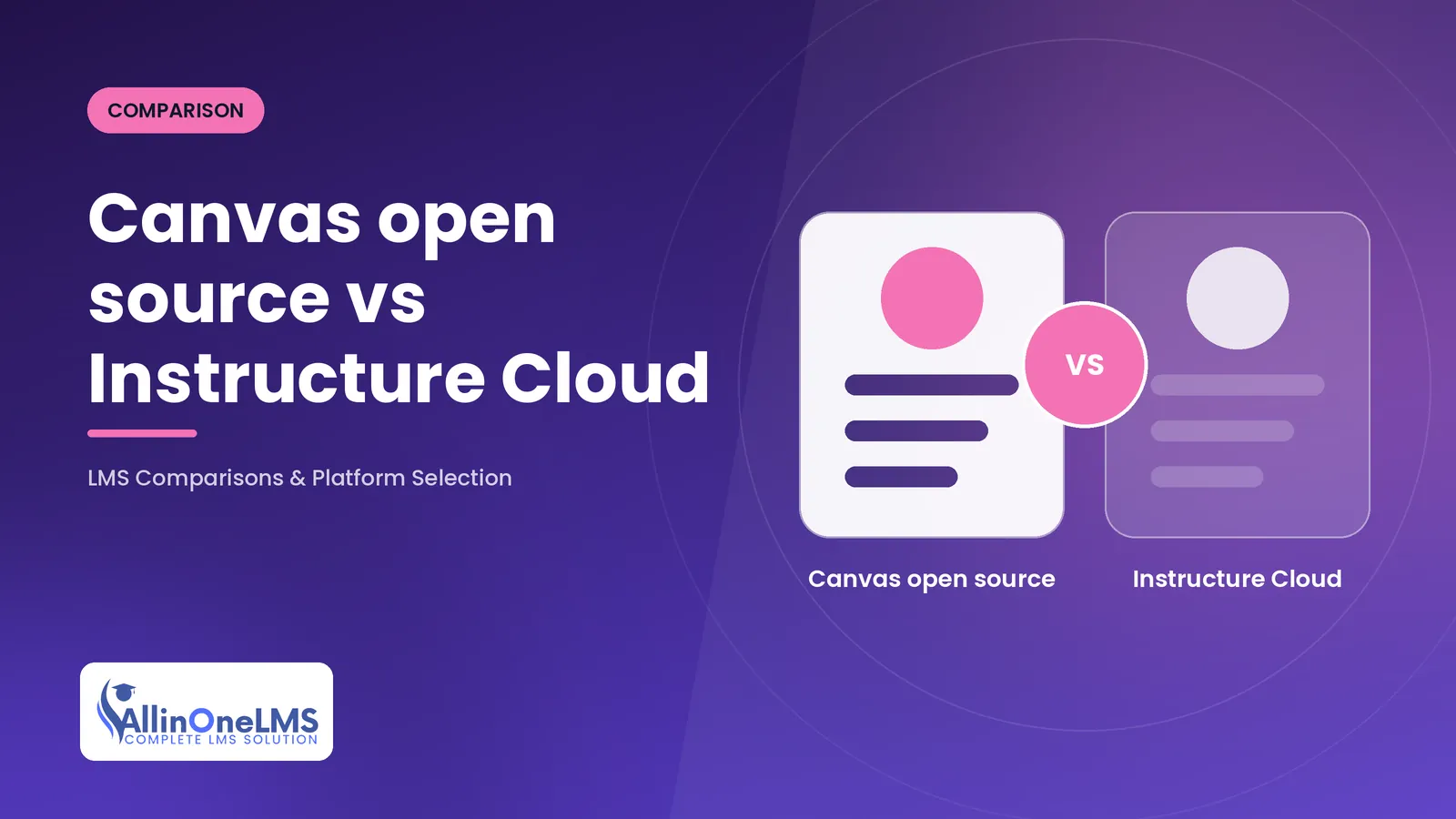
Canvas open source vs hosted comes down to who maintains the code. The open-source edition is the AGPLv3 canvas-lms repository that you build, host, patch and scale yourself; the hosted edition is Instructure's commercial service, where Instructure runs the same product family and ships updates continuously. In late 2026 the gap between them is wider than a hosting decision: the public repository has had no commits since 30 April 2026, while the hosted service keeps releasing. For almost every institution choosing Canvas today, hosted is the realistic option; self-hosting makes sense only for teams prepared to own a fork.
This comparison is for LMS buyers, administrators and developers deciding between the two, or reviewing an existing self-hosted install. It covers architecture, customisation, operations, integrations, security, pricing models and the scenarios where each fits. If you only need the repository status and how to check it, our Canvas open source status explainer covers that in detail.
Checked against the public instructure/canvas-lms repository (master head commit of 30 April 2026, confirmed unchanged on 31 October 2026), its developer documentation in doc/api and doc/lti, and the authentication provider models in the source, as of October 2026.
Verdict. Choose hosted Canvas (Instructure Cloud) if you want Canvas as a product: maintained, patched, scaled and supported by its vendor, with beta and test environments and the full integration ecosystem. That is nearly every university, school and training organisation. Choose open-source Canvas only if you have a Ruby on Rails team, need to modify the core code or keep everything on your own infrastructure, and accept that you are maintaining a fork with no public stream of fixes behind it. If self-hosting and an actively maintained public codebase are both requirements, look at other open-source platforms rather than Canvas.
Canvas open source vs hosted at a glance
| Area | Open-source Canvas (self-hosted) | Hosted Canvas (Instructure Cloud) |
|---|---|---|
| Licence | AGPLv3, per the repository README | Commercial subscription |
| Who operates it | You or a hosting partner | Instructure |
| Code freshness | No public commits after 30 April 2026 (as of October 2026) | Continuous releases with dated release notes |
| Environments | Whatever you build | Production, beta and test environments |
| Stack you run | Ruby on Rails 8.0, Ruby 3.4.1+, PostgreSQL 14+, Redis 6+, Node.js 20, job workers, rich content editor API | None; operated by Instructure |
| Code changes | Anything, subject to the AGPLv3 | No core changes; extend through LTI, APIs and theming |
| Live Events delivery | You provide the consumer side | Configured by admins through Data Services |
| Security patching | Your responsibility, including every Ruby and JavaScript dependency | Instructure's responsibility |
| Pricing model | No licence fee; infrastructure and engineering costs | Quoted per institution; no public price list (October 2026) |
Features and architecture
Both editions start from the same code. The README describes Canvas as "a modern, open-source LMS developed and maintained by Instructure Inc." under the AGPLv3, and the hosted product is what Instructure builds from its own, newer version of that code. The difference is time and surrounding services.
- Time. A self-hosted build today is a spring 2026 snapshot. Every feature, fix and interface change Instructure has shipped to hosted customers since then is missing, and the gap grows with each hosted release.
- Surrounding services. Some capabilities depend on infrastructure that Instructure operates for hosted customers. The Canvas developer docs note, for example, that the live event system used by the LTI 2.0 plagiarism platform "is not available to open source users". Live Events in general need a delivery and subscription service that you would have to build or supply yourself (see below).
- Plugins in the repository. The open-source tree ships a small set of Ruby plugin gems under
gems/plugins, includingaccount_reports,moodle_importerandqti_exporter. Anything Instructure sells as a separate product is outside that repository.
Architecturally, a self-hosted Canvas is a large Rails application with a set of supporting services: app servers running Passenger, PostgreSQL, Redis, a background job daemon, file storage on disk or S3, SMTP and the separate canvas-rce-api service for the rich content editor. Our self-hosting Canvas guide lists the requirements and the configuration files in full.
Customisation, hosting and maintenance
This is where the two diverge most for day-to-day operations.
Hosted Canvas
You customise through the extension points Instructure supports: LTI tools in their placements, the REST and GraphQL APIs, developer keys issued by your institution's admin, and theming. You cannot change core code, and you do not choose when releases happen; the vendor's release cadence and its beta and test environments set the rhythm. In exchange, upgrades, scaling, backups and infrastructure are not your problem.
Open-source Canvas
You can change anything, but you own everything:
- The fork. With no upstream commits since April 2026, every bug fix and dependency upgrade is your engineering work. Rails, Ruby gems and Node packages keep releasing, and upgrading them in an application of this size without upstream help is a sustained cost.
- The AGPLv3. Section 13 requires that if you modify Canvas and users interact with it over a network, you offer them the source of your modified version. That matters for anyone running a customised Canvas as a service for clients.
- Deployment. Instructure's alpha Docker tooling,
canvas-self-hosted, was archived on 2 June 2026. Production installs follow the manual Production Start wiki or your own container build from the repository's Dockerfiles. - Capacity. The Production Start guide recommends at least 8 GB of RAM for a single-server install and separate job and Redis servers as traffic grows. There is no published sizing guidance for large deployments.
The practical consequence: hosted Canvas needs an LMS administration team; self-hosted Canvas needs that team plus a platform engineering team with Rails, PostgreSQL and Linux operations skills.
Integrations and reporting
The integration surface is largely the same code, with some operational differences that catch developers out.
| Integration | Self-hosted | Hosted |
|---|---|---|
| REST and GraphQL APIs | Same APIs as of the April 2026 snapshot | Current APIs, including later additions |
| Developer keys | Generated in the Site Admin account of your install | Issued by the institution's admin |
| LTI 1.3 issuer | Must be changed to your hostname in config/security.yml; the default is https://canvas.instructure.com | https://canvas.instructure.com, with separate beta and test issuers |
| LTI launch claims | Region claim is unknown; environment is production | Region and environment reflect the hosting |
| Live Events | Producer writes to an AWS Kinesis stream; you provide the consumer and delivery | Subscriptions to SQS or HTTPS webhooks set up in Data Services |
| Single sign-on | Providers in source: SAML, OpenID Connect, OAuth 2, CAS, LDAP, Microsoft, Google, Apple, Clever, GitHub, LinkedIn, Facebook | Configured by your admins; Instructure runs the service |
The LTI issuer detail matters for vendors: an LTI 1.3 tool that hard-codes Instructure's issuer will not accept launches from a self-hosted Canvas until it is configured for that platform. Many commercial LTI tools are built and tested against hosted Canvas, so check support for self-hosted instances before you license them.
For reporting, both editions have account reports and the APIs. Event-driven reporting differs: on hosted Canvas, admins point Live Events at an SQS queue or HTTPS endpoint; on self-hosted Canvas you run the stream and its consumers. Our article on Canvas Live Events and the Platform Notification Service covers both sides.
Security and scalability
Hosted Canvas: Instructure patches the application and its dependencies, runs the infrastructure and scales it. Your security work is configuration: SSO, MFA for administrators, role and permission design, developer key scopes and the LTI tools you approve. Your due diligence is contractual: ask for security documentation, data residency, incident notification terms and the shared-responsibility split in writing.
Self-hosted Canvas: you own the full security lifecycle. Because the public repository has received no commits since 30 April 2026, any fix Instructure makes in its hosted product does not reach you through the repository, and dependency updates are yours to test and ship. Scaling is also yours: separating app, job, database and Redis roles, putting files on shared storage when you run more than one app node, and load testing for your own peak periods such as term start and exam weeks.
For a governance or audit committee, the difference is simple to state: hosted Canvas is a vendor-maintained service with contractual commitments; self-hosted Canvas, as of October 2026, is an unmaintained upstream that your team must maintain.
Pricing models
Neither side has a price we can quote. As of October 2026:
- Hosted Canvas: Instructure did not publish Canvas prices; subscriptions are quoted per institution, and adjacent products such as Canvas Studio, Canvas Catalog and Canvas Credentials are separate purchases. Ask for multi-year pricing and renewal caps in the quote.
- Open-source Canvas: no licence fee. The cost is infrastructure (several servers or containers, PostgreSQL, Redis, storage, SMTP), the engineering team that maintains the fork and its dependencies, monitoring and backups, and any hosting partner. Because there is no upstream, budget engineering time as an ongoing line, not a one-off install.
Compare five-year totals, including people on both sides. A hosted subscription still needs an internal admin team; a self-hosted install needs that team and the platform engineers. For a broader cost frame, see our LMS comparisons guide.
Best fit by scenario
| Scenario | Better fit | Why |
|---|---|---|
| University or school district adopting Canvas | Hosted | Maintained product, vendor support, LTI ecosystem built against it |
| Training provider wanting Canvas without an engineering team | Hosted | Self-hosting needs Rails and operations skills you would have to hire |
| Research or teaching project studying LMS internals | Open source | The code is readable, runnable and AGPLv3-licensed |
| Organisation with a hard on-premises requirement | Neither by default | Self-hosted Canvas means owning a fork; compare actively maintained self-hosted platforms first |
| Existing self-hosted Canvas with deep customisations | Open source, short term | Keep running while you plan; treat it as a maintained fork and set an exit date |
| Vendor building a commercial service on modified Canvas | Open source, with legal advice | Possible, but the AGPLv3 network clause and the maintenance load both apply |
If you run self-hosted Canvas today
A running instance does not break when upstream stops, but the risk grows each month. A sensible sequence:
- Check the repository again. Look at the latest commit on
masterand the newestrelease/tag. If public commits have resumed, read what changed before treating the code as maintained. - Inventory your changes. List core modifications, custom plugins, LTI tools and integrations. These decide how hard any move will be.
- Price the options. Keep maintaining the fork, move to hosted Canvas (ask Instructure directly how it handles moves from self-hosted installs), or move to another platform.
- Plan the data. Canvas exports courses as IMS Common Cartridge, and Instructure's documentation says course exports leave out student interactions and grades, which need a separate export. Learner history needs its own plan whichever way you go.
Whatever you decide, put a review date on it. The status of the public repository is the one fact most likely to change.
How we can help
We help institutions decide between hosted Canvas, a maintained self-hosted fork and other platforms, and we plan the migrations that follow. See our LMS consulting services for an independent review, or our Canvas services for integration and migration work.
Frequently asked questions
Is Canvas LMS still open source?
The code in the public canvas-lms repository is still published under the AGPLv3. As of 31 October 2026, however, its last commit was dated 30 April 2026, so the open-source edition is not being maintained in public while the hosted service keeps releasing.
Can I self-host Canvas LMS for free?
There is no licence fee: you can download and run the AGPLv3 code. You pay for servers, PostgreSQL, Redis, storage and email, and for the engineers who install, secure and maintain a Rails application with no upstream fixes since April 2026.
What is the difference between Canvas open source and Instructure Cloud?
Instructure Cloud is the hosted Canvas service that Instructure runs, patches and scales, with beta and test environments and vendor support. Open-source Canvas is the public code you host yourself, frozen at an April 2026 snapshot as of October 2026, which you can modify but must maintain.
Do LTI tools work with self-hosted Canvas?
LTI 1.1 and 1.3 are in the code, but a self-hosted install must set its own LTI issuer in config/security.yml, and tools built only for Instructure's issuer need configuring for your platform. Check each vendor's support for self-hosted Canvas before licensing.
Free 30-minute consultation
Not sure where to start? Talk to an LMS engineer.
Tell us what platform you run and what you need. You’ll get honest, practical advice - even if the answer is that you don’t need us.
Sources & references
- instructure/canvas-lms repository - Instructure
- LTI launch overview - Instructure
- OAuth2 and developer keys - Instructure
- Plagiarism platform notes (doc/lti) - Instructure
- Production Start - Instructure
- instructure/canvas-self-hosted (archived) - Instructure

Add All-in-One LMS as a preferred source to see more of our articles in Google’s Top Stories.
Learn more about this topic with AI
Gemini opens with the prompt copied - paste it into the chat to start.